Built for touch
Big actions, short paths, and controls that make sense with fingers or a stylus.
About
MobileSlicer keeps the normal 3D printing steps, but makes them usable on a phone or tablet.
MobileSlicer lets you open models from Android, work with touch-friendly controls, and keep the print flow on your phone or tablet.
Open a model, choose your printer and material, slice on the device, check the G-code, then export, share, or print directly to supported network printers.
Source code is available on GitHub.
Big actions, short paths, and controls that make sense with fingers or a stylus.
Advanced tools can be added without turning the app into a cramped desktop slicer.
In the app
The app covers the pieces that matter first: import, plate setup, profiles, local slicing, preview, export, and saved plates.
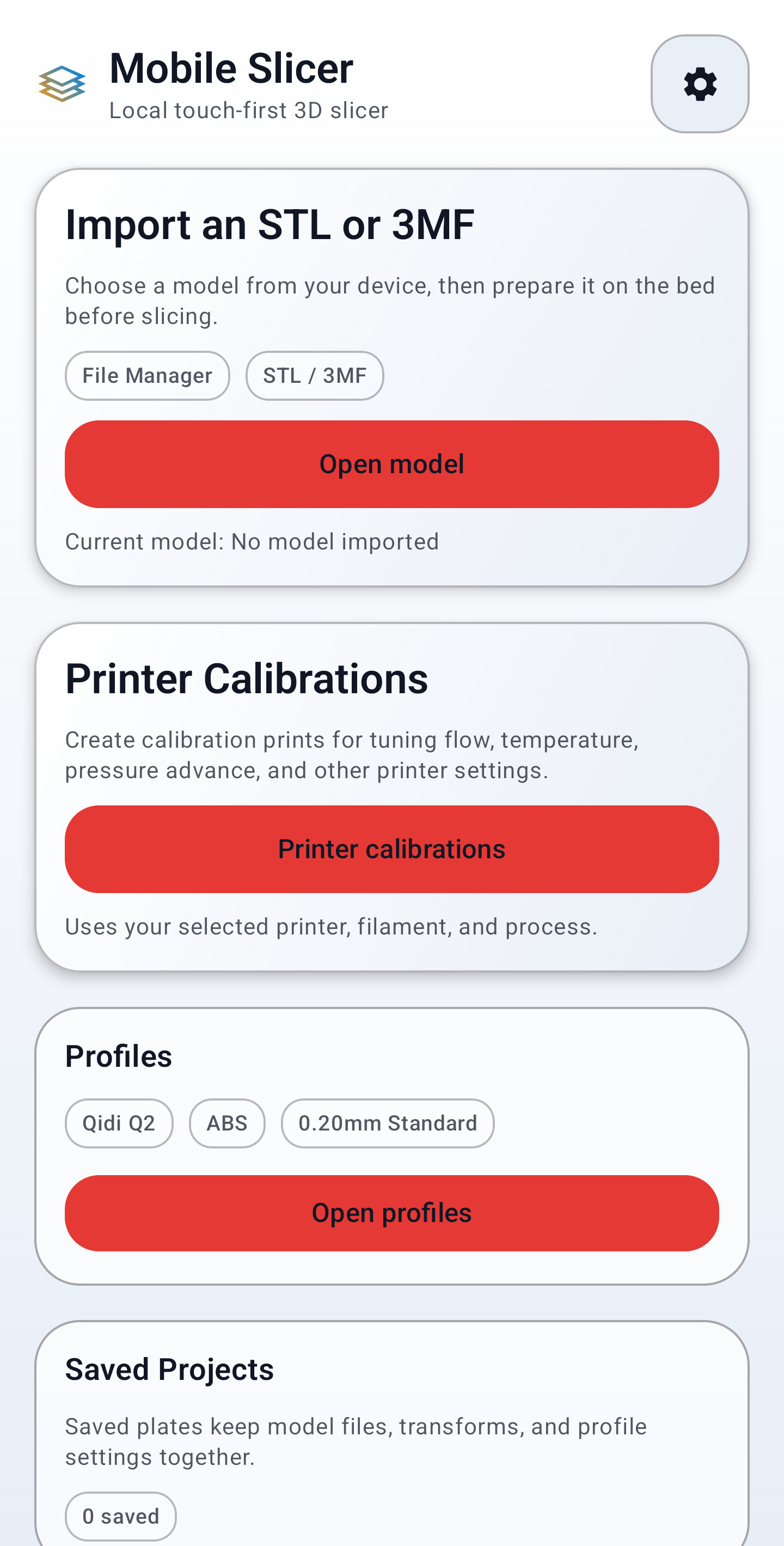
Open STL and 3MF files from storage or a share sheet, then prepare them in the workspace.
Move, rotate, scale, duplicate, arrange, and save models from the phone or tablet workspace.
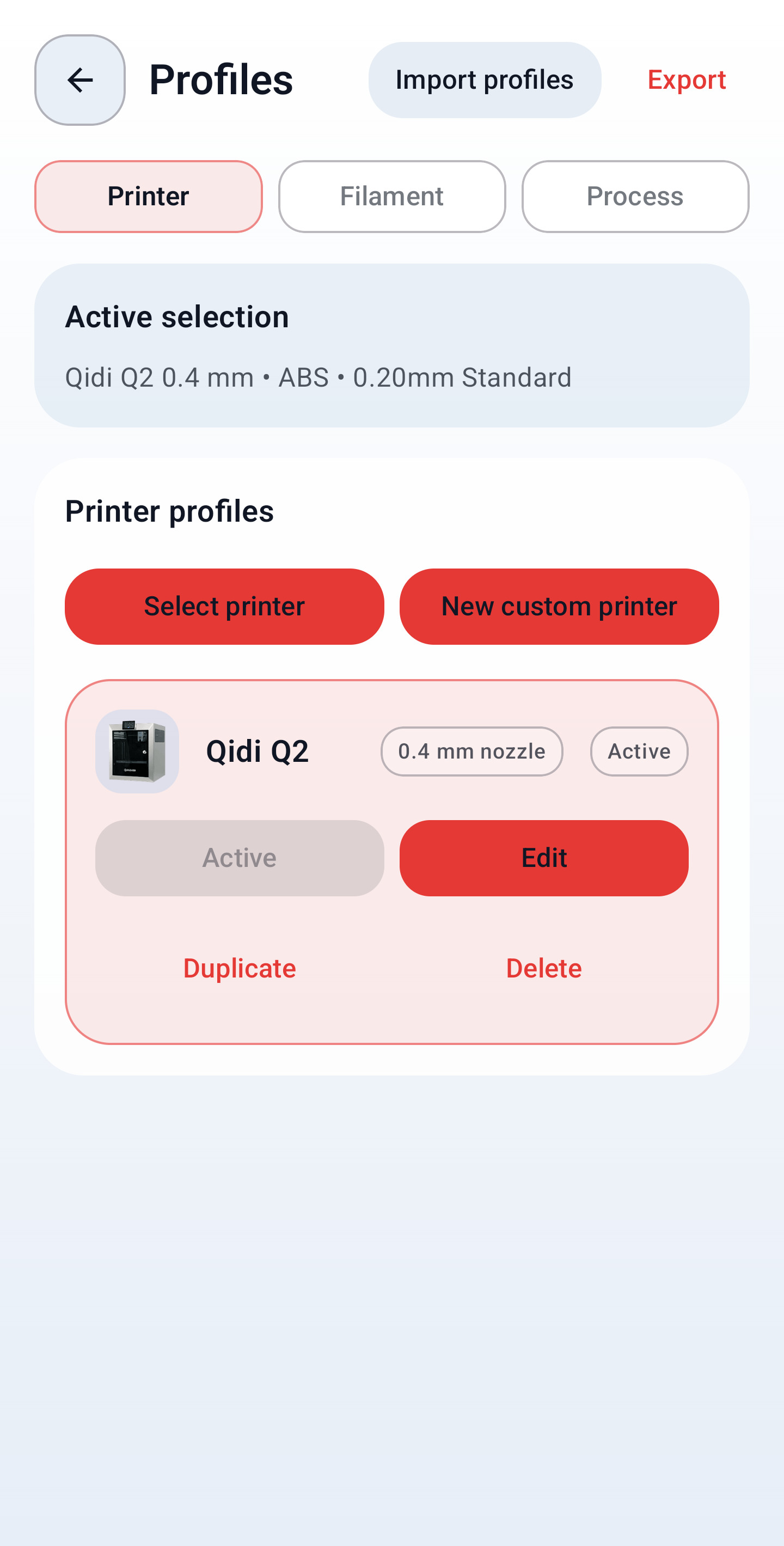
Pick the active printer, material, and process profile before slicing, with custom profile work built into the app.
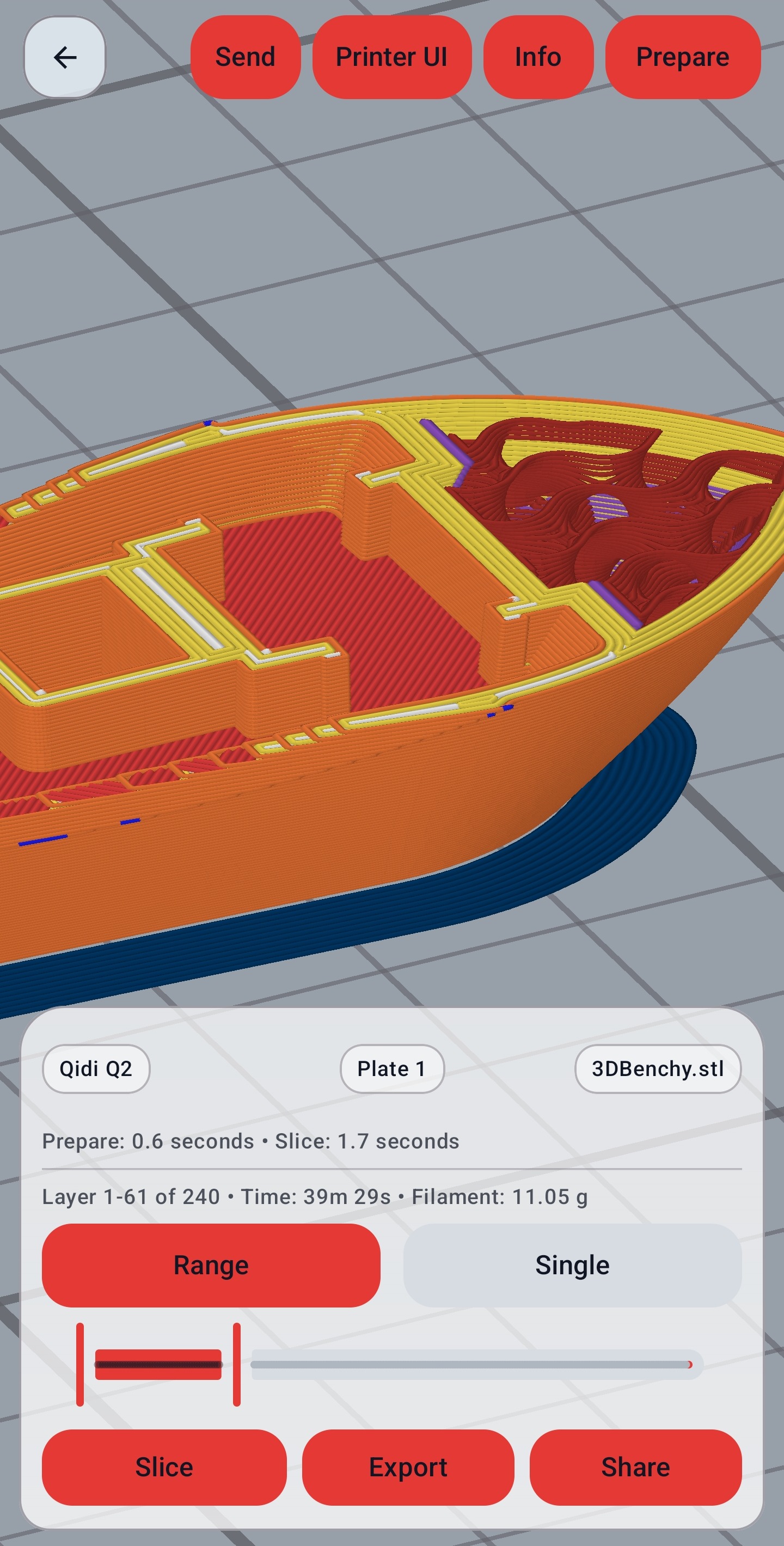
Run the slice on the Android device. No cloud slicer or desktop handoff is required.
Review sliced layers, line types, time, filament use, and layer ranges before exporting the print file.
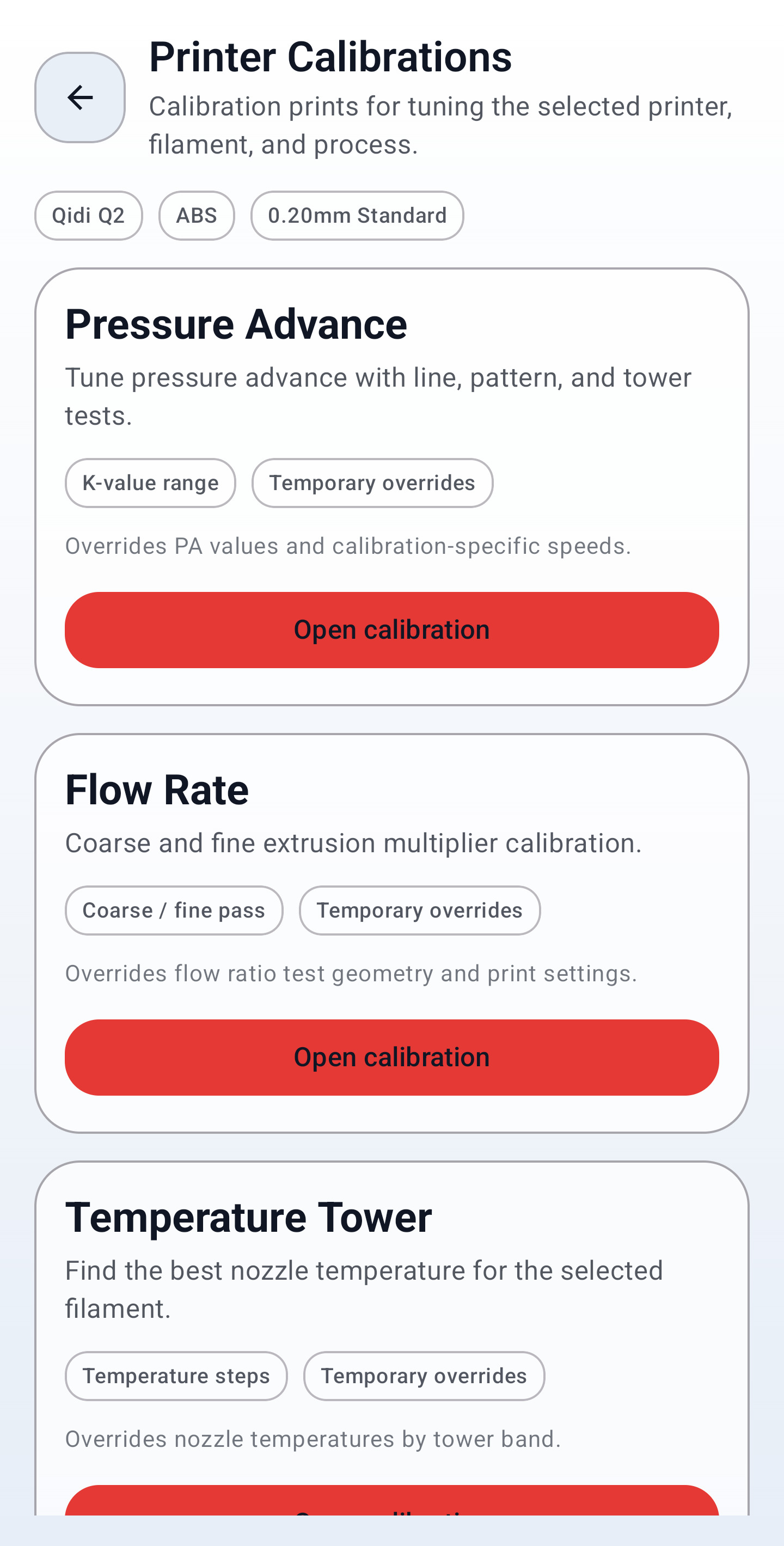
Create calibration jobs for pressure advance, flow, temperature, retraction, VFA, input shaping, and more.
Screens
A look at the Android app: import, G-code preview, printer profiles, and calibration tools.